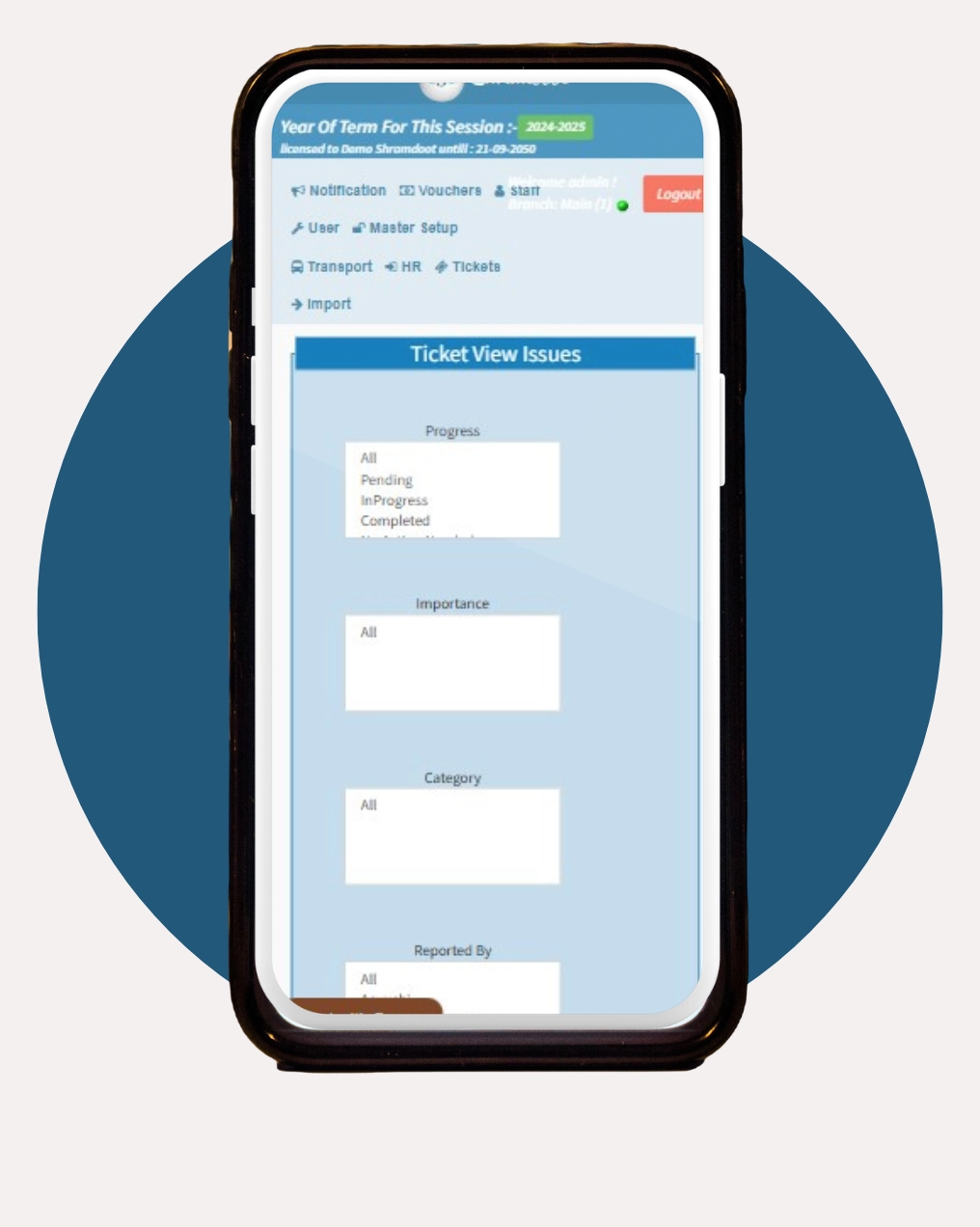

Ticket Module
Ticket Management Module


Divided into three essential sections—Ticket Setup, New Ticket, and All Tickets it promotes collaboration, accountability, and operational efficiency in handling project tasks and support issues.
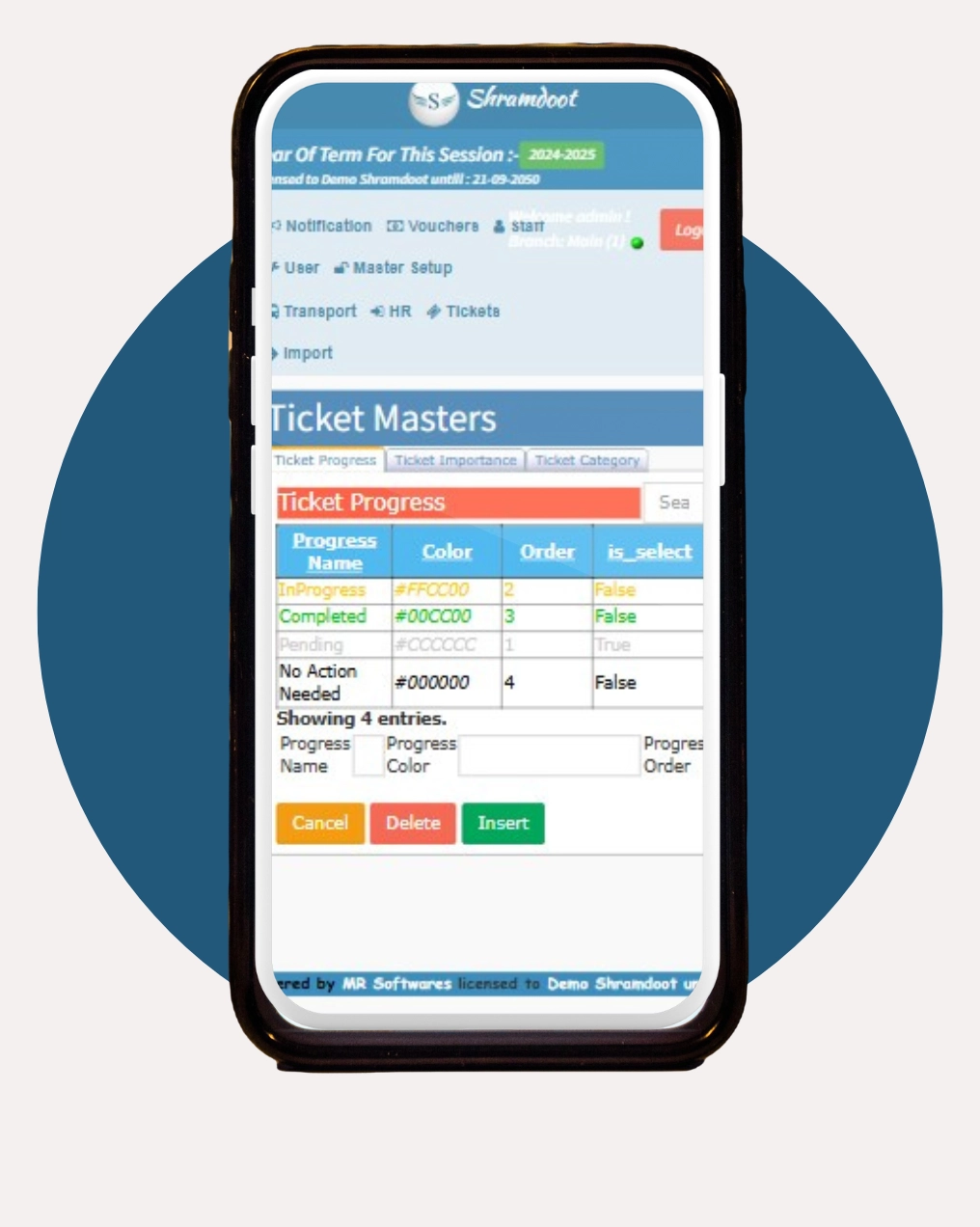
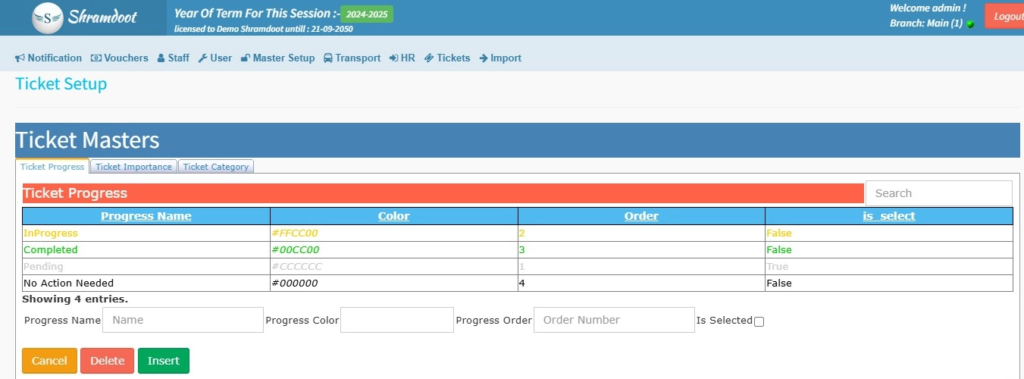
Ticket Setup
Ticket Progress
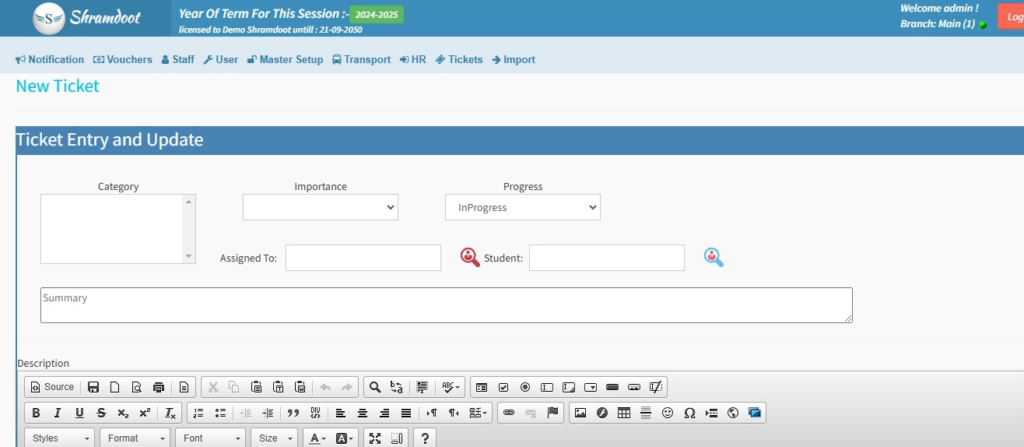
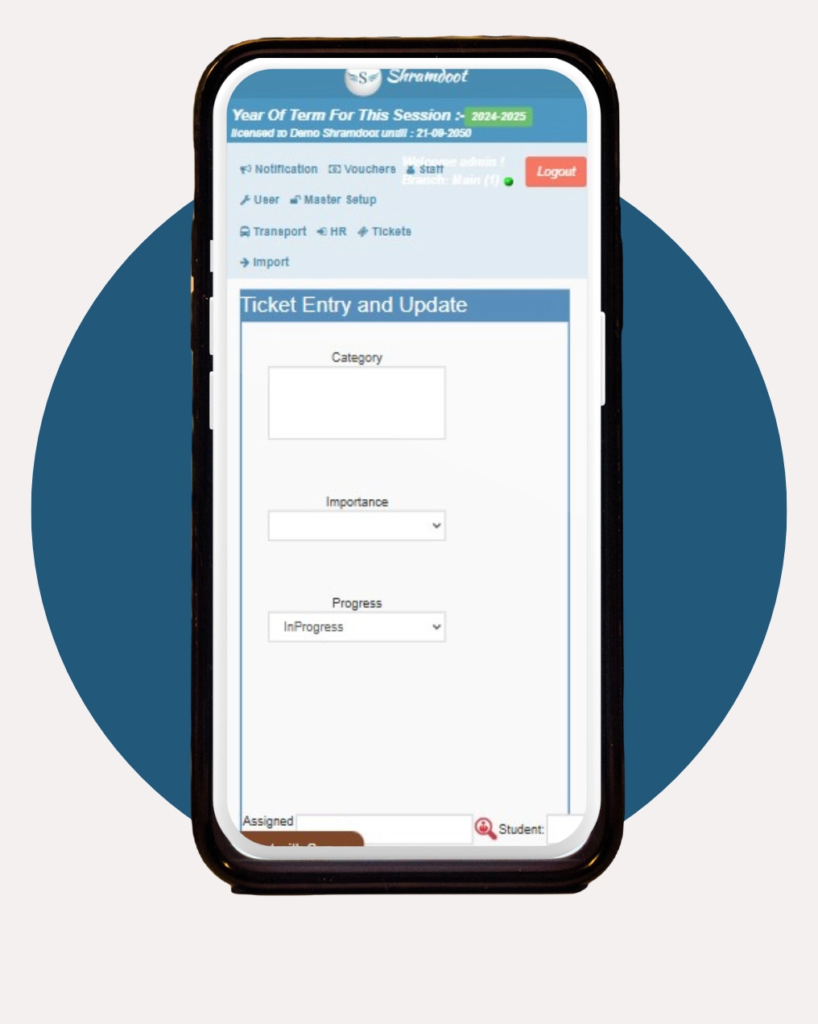
Category
Choose the category that best aligns with the ticket, simplifying the organization and future retrieval.
Importance
Indicate the task’s urgency or significance, allowing team members to prioritize accordingly
Progress
Select the ticket’s current statusticket’s current status (e.g., “In Progress”) to provide real-time insights into task progression.
Assigned
Specify the responsible individual or team, establishing clear ownership and accountability
Student
This option links the ticket to a specific student, which is especially useful for educational institutions or customer support contexts.
Category
Choose the category that best aligns with the ticket, simplifying the organization and future retrieval.
Importance
Indicate the task’s urgency or significance, allowing team members to prioritize accordingly.
Progress
Select the ticket’s current statusticket’s current status (e.g., “In Progress”) to provide real-time insights into task progression
Assigned
Specify the responsible individual or team, establishing clear ownership and accountability
Student
This option links the ticket to a specific student, which is especially useful for educational institutions or customer support contexts.